
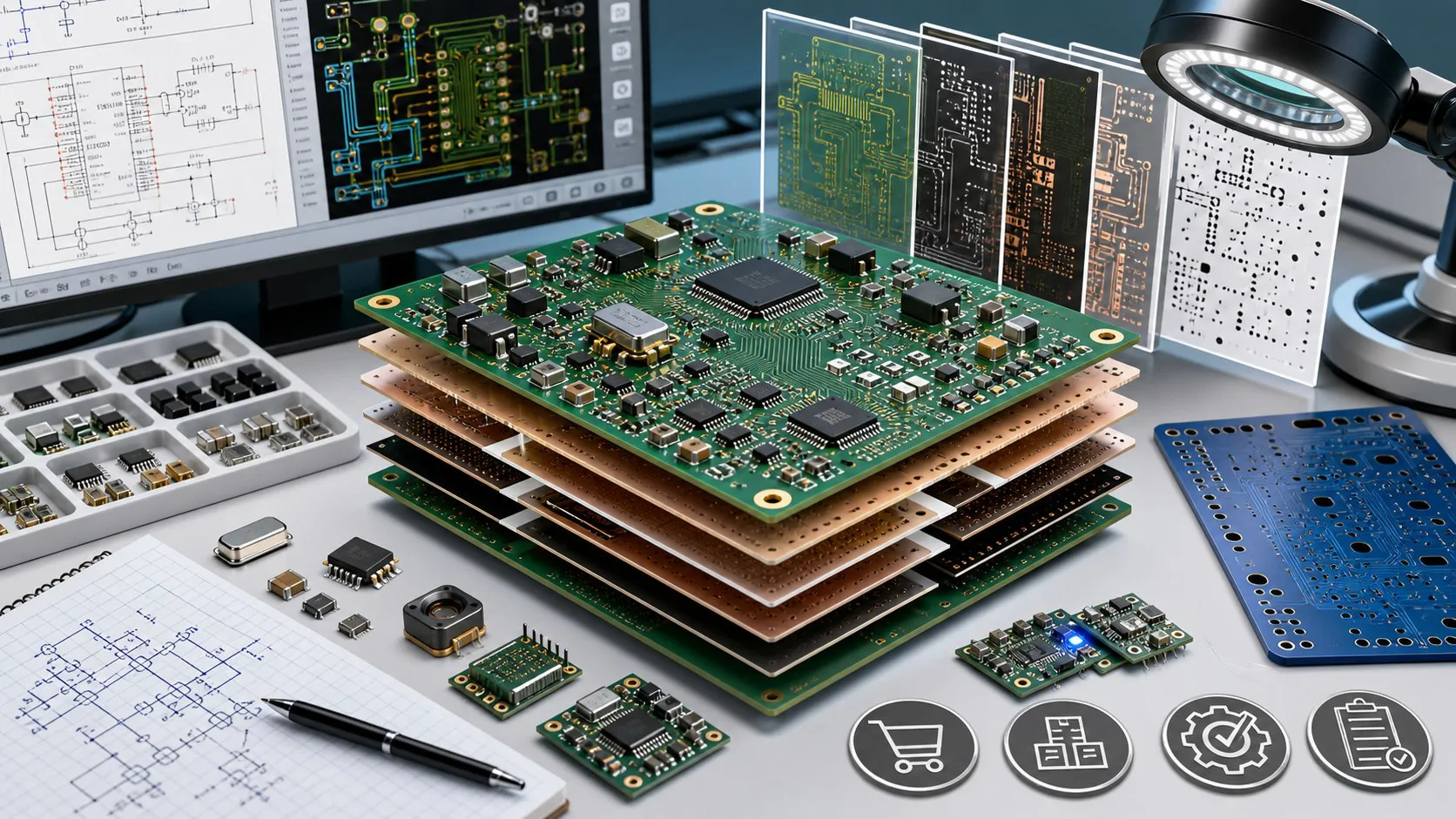
ReelManager — Electronics Component Inventory Manager















ReelManager is an enterprise-grade web application for managing electronic component stock, SMD reels, BOMs, locations, datasheets, barcode/QR labels, purchase needs and component activity history.
The project is designed for electronics labs, R&D teams, PCB prototyping workflows, production shelves, component boxes and personal or professional component inventory management.
This repository contains the v2.2.0 Enterprise release. The release upgrades the previous v2.1.0 Enterprise package with a stronger update center, SQL backup export, improved logs, smaller footer, language settings, corporate page copy, update-safe backup workflow and a more stable UI/UX foundation.
Current release: v2.2.0 Enterprise
Repository
GitHub repository:
https://github.com/hamzadenizyilmaz/ReelManager-Electronics-Component-Inventory-Manager
Highlights
- Component inventory management for resistors, capacitors, ICs, diodes, inductors, modules and connectors
- Category, supplier and storage location management
- Stock IN / OUT / RESERVE / RELEASE operations
- Full movement history and activity tracking
- Project and BOM management
- BOM stock availability check
- Low stock and out-of-stock views
- Datasheet enrichment module
- Provider-based component information lookup
- QR and barcode scanner page
- Browser-based label printing studio
- Zebra-compatible ZPL output helper
- CSV / XLSX import preview
- CSV / XLSX export
- Project BOM PDF export
- Turkish / English UI support
- Dark / light theme support
- Responsive SaaS-style dashboard
- JWT authentication and frontend route guard
- Role-ready user management foundation
- Swagger API documentation
Tech Stack
Frontend
- Next.js 15 App Router
- JavaScript
- Tailwind CSS
- Zustand
- Axios
- Lucide React icons
- Recharts
- React Hook Form
- Zod
- html5-qrcode
- qrcode.react
Backend
- Node.js
- Express.js
- Prisma ORM
- MySQL
- JWT authentication
- bcrypt password hashing
- Joi validation
- Helmet
- CORS
- express-rate-limit
- Swagger UI
- PDFKit
- Multer
- PapaParse
- XLSX
Main Screens
Recommended screenshots for GitHub:
assets/screenshots/login.png
assets/screenshots/dashboard.png
assets/screenshots/components.png
assets/screenshots/component-detail.png
assets/screenshots/new-component.png
assets/screenshots/projects-bom.png
assets/screenshots/labels.png
assets/screenshots/settings.png
assets/screenshots/swagger.png
Quick Start
1. Clone
git clone https://github.com/hamzadenizyilmaz/ReelManager-Electronics-Component-Inventory-Manager.git
cd ReelManager-Electronics-Component-Inventory-Manager
2. Backend setup
cd backend
cp .env.example .env
npm install
npx prisma generate
npm run prisma:migrate
npm run prisma:seed
npm run dev
Backend default URL:
http://localhost:4000
3. Frontend setup
cd frontend
cp .env.example .env
npm install
npm run dev
Frontend default URL:
http://localhost:3000
Default Admin
Email:    [email protected]
Password: Admin123!
Change this account immediately before production use.
Environment Variables
Backend .env
DATABASE_URL="mysql://root:password@localhost:3306/reelmanager"
JWT_SECRET="change_this_secret"
JWT_EXPIRES_IN="7d"
PORT=4000
FRONTEND_URL="http://localhost:3000"

NEXAR_CLIENT_ID=""
NEXAR_CLIENT_SECRET=""
DIGIKEY_CLIENT_ID=""
DIGIKEY_CLIENT_SECRET=""
DIGIKEY_REDIRECT_URI=""
MOUSER_API_KEY=""
DATASHEET_PROVIDER_TIMEOUT_MS="8000"
DATASHEET_CACHE_TTL_DAYS="30"
For MySQL servers that enforce TLS:
DATABASE_URL="mysql://USER:PASSWORD@HOST:3306/ReelManagerDB?sslaccept=accept_invalid_certs"
Use a trusted CA certificate for production instead of accepting invalid certificates.
Frontend .env
NEXT_PUBLIC_API_URL="http://localhost:4000/api"
NEXT_PUBLIC_APP_NAME="ReelManager"
Datasheet Enrichment
The datasheet enrichment module can search or enrich a component by manufacturer part number or supplier part number.
Provider order:
- Local database
- Nexar / Octopart API
- DigiKey API
- Mouser API
- Local parser fallback
- Manual datasheet URL
Endpoints:
GET  /api/datasheets/providers
GET  /api/datasheets/search?query=RC0402FR-07330RL
GET  /api/datasheets/enrich?mpn=RC0402FR-07330RL
POST /api/components/:id/enrich
POST /api/components/bulk-enrich
API keys are optional. If a provider key is missing, the provider is skipped safely.
Label Printing
ReelManager includes a browser-based label printing studio.
Supported profiles include:
- Thermal 50 × 25 mm
- Thermal 40 × 30 mm
- Thermal 58 × 40 mm
- Brother DK-11201 29 × 90 mm
- DYMO 89 × 36 mm
- Mini QR 30 × 20 mm
- A4 Sheet 70 × 37 mm
Features:
- Print only the label area, not the full application page
- Choose visible fields: SKU, part number, value, package, quantity, location, manufacturer
- Select QR content: SKU, part number or component detail URL
- Copy ZPL output for Zebra-compatible printers
- Bulk label selection from component search
Security Model
Frontend protection:
- Middleware-based route protection
- Token stored in localStorage and SameSite cookie
- Central Axios interceptor
- Automatic Authorization header
- Session cleanup on 401
- Login redirect on expired session
Backend protection:
- JWT authentication middleware
- Role middleware foundation
- Password hashing with bcrypt
- Helmet headers
- Rate limiting
- CORS origin allowlist
- Joi request validation
- Prisma parameterized queries
- Standard API response format
Production recommendations:
- Use HTTPS
- Use strong JWT secret
- Rotate secrets periodically
- Disable default admin password
- Configure secure CORS domains
- Use trusted MySQL certificates
- Keep API keys in server-side environment only
API Documentation
Swagger UI:
http://localhost:4000/api/docs
Swagger JSON:
http://localhost:4000/api/docs.json
CI/CD
Included GitHub Actions:
.github/workflows/frontend-ci.yml
.github/workflows/fullstack-ci.yml
The workflows are prepared for:
- Dependency installation
- Frontend production build
- Backend syntax checks
- Prisma validation
- Node.js 22
Version History
See CHANGELOG.md.
Current version:
v2.1.0 Enterprise
Documentation
Detailed docs are available under docs/:
- Architecture
- API
- Database
- Security
- Deployment
- Development
- Datasheet enrichment
- Label printing
- GitHub release checklist
License
GPL-3.0 License. See LICENSE.